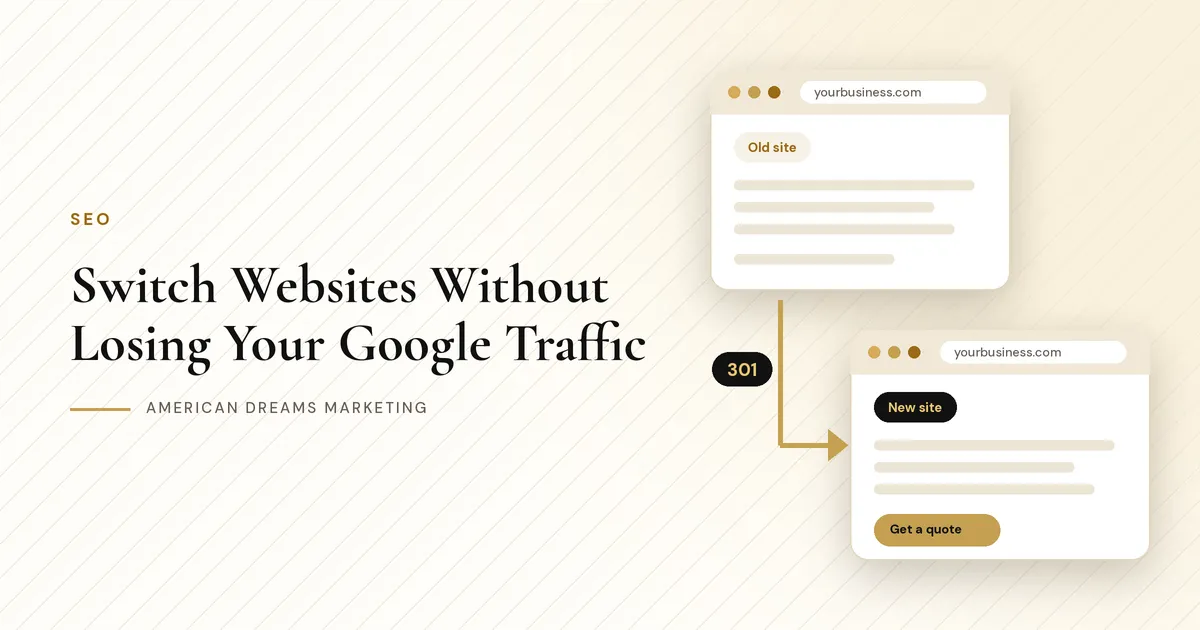
Getting a New Website? How to Switch Without Losing Your Google Traffic
Your old website is not perfect, but Google knows it and customers find it. A new site can keep that traffic and build on it, as long as every old page has somewhere to send people.
Key takeaways
Make a list of every page on your old site before anything changes.
Point each old page to its closest new page with a permanent (301) redirect, not all to the homepage.
Keep the pages that already bring in calls, and keep your name, address and phone the same everywhere.
Test everything on launch day, submit your sitemap and watch Search Console for a few weeks.
You finally have a new website on the way. It looks better and says what you actually do. Then someone asks the question every owner worries about: will a new website hurt your Google traffic? It can, but it does not have to.
When traffic drops after a new site goes live, it is usually not the design. It is the pages and links that went missing in the move. Here is how to plan for it, one step at a time.
Why traffic can drop after a new website
Google has spent years learning your old site. It knows the address of every page and which searches each one answers. Customers have bookmarks and saved links too. Three things cause most of the trouble.
Old addresses disappear. If yourbusiness.com/roof-repair becomes yourbusiness.com/services/roofing, people and Google hit a dead page unless you send them along.
Pages that ranked get cut. A page that looked small to you may have been the one bringing in calls.
Titles and words change. If the new page no longer says "roof repair in [town]," it may stop showing up for that search.
Good to know: Keep your domain if you can
Moving to a new design on the same domain is a much smaller change than moving to a new domain. If you must switch domains, the same plan applies, with a redirect for every page.
Step 1: Make a list of every page
Before the old site goes away, write down every page it has. Pull from more than one place, because each source catches pages the others miss. Put it in a spreadsheet, one row per old page.
Checklist
Where to find your old pages
Your old sitemap, often at yourbusiness.com/sitemap.xml
Google Search Console, which lists the pages Google knows about
A simple crawl with a free site crawler tool
Your menu, footer and landing pages from old ads or flyers
Blog posts, coupon pages and PDFs people may have saved
Step 2: Match every old page to a new one
Go down your list and decide what happens to each page. Most fall into one of three groups.
Every old page gets a decision before launch day.
Old page | New page | What to do |
|---|---|---|
/roof-repair | /services/roof-repair | Keep. Same topic, new address, add a redirect |
/gutters and /gutter-guards | /services/gutters | Merge. Redirect both to the combined page |
/spring-special-2023 | No replacement | Retire. Let it show your custom 404 page |
/contact | /contact | Same address. No redirect needed |
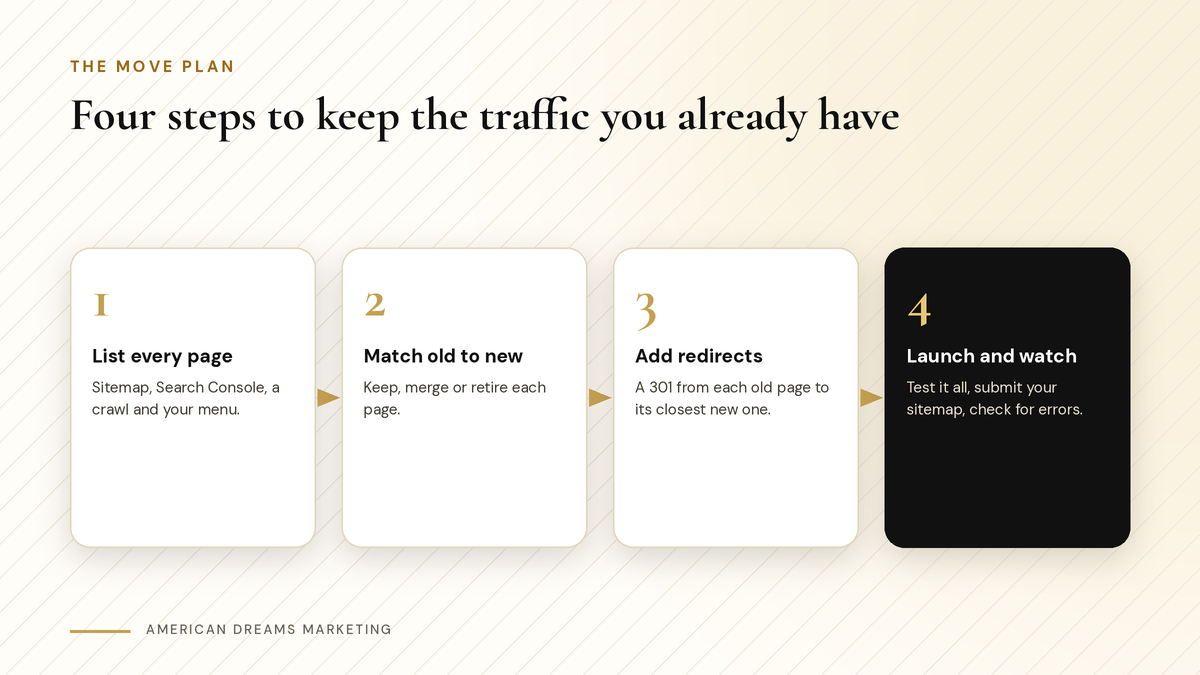
The move plan in four steps. The list you make first drives everything after it.
Step 3: Keep what already works
Check Search Console for the pages people find most, and give each one a strong match on the new site.
Service pages. One page per main service, in the plain words people search for.
Location details. Your service area, towns and hours, easy to find.
Reviews. Real reviews, exactly as customers wrote them.
FAQ answers. Questions you already answered well are worth keeping.
Name, address and phone. Written the same way on every page and listing.
Old site looked fine but the phone stayed quiet? Read Why Your Website Isn't Getting Leads (And How to Fix It).
Step 4: Add redirects and a helpful 404 page
A redirect is a forwarding address for a web page. Google's own site-move guidance recommends permanent (301) redirects from each old address to its new one. That tells Google the page moved and sends customers with old links to the right place.
Heads up: Do not send everything to the homepage
Redirect each old page to the closest matching new page instead. Someone looking for roof repair should land on your roof repair page, not start over.
For pages with no replacement, a helpful 404 page does the work. Websites built on the American Dreams platform support 301 redirects and a custom 404 page you design with your branding, navigation and contact info, set as the domain's default error page. A visitor with an old link still sees your business and a way to reach you.
Heads up: Moving domains? Protect your email
If your domain or DNS settings move, keep your email records (the MX records and the records that let your email send). Skip that and your business email can stop working.
Step 5: Check everything on launch day
Launch day, in order
Test your redirects Click old addresses from your list. Each should land on the right page.
Send a test form Fill out every form and confirm the alerts and replies arrive.
Tap the phone links and chat Check them on a phone, not just a computer.
Turn on analytics Make sure visits are counted from day one.
Submit your sitemap Add the new sitemap in Google Search Console, which is free from Google.
Update your listings If the address changed, update the website link on your Google Business Profile and other listings.
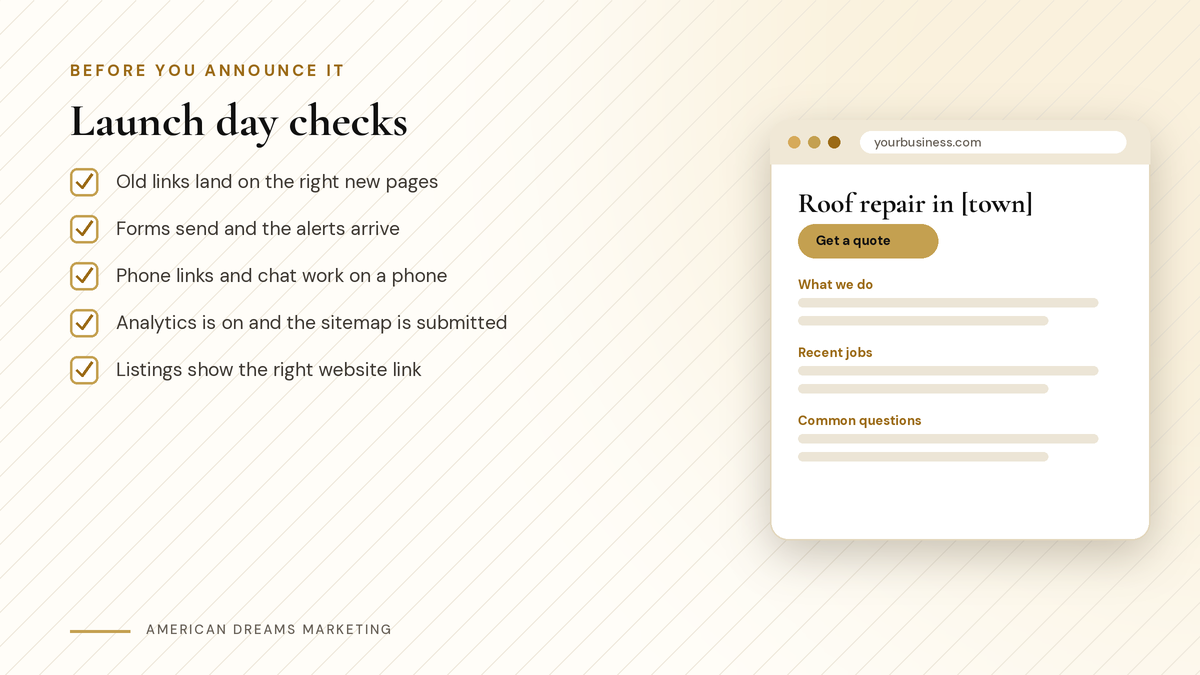
Five checks to finish before you tell anyone the new site is live.
Step 6: Watch for a few weeks
It is normal for search traffic to wobble for a while after a move. Google needs time to visit the new pages and follow the redirects. Check Search Console each week for errors and fix them as they show up. Keep your redirects in place for the long run.
Planning the budget for a new site? Read How Much Does a Website Cost for a Small Business?.
Ready for a new website without the worry? Through Nov 15, American Dreams Marketing has a holiday website special: websites starting at $1,500, with Google setup and QR code customer capture included. It is limited to 5 spots, and the move plan (page list, redirects and launch checks) is part of the build. Book a free discovery call and we will look at your current site together.
Frequently asked questions
Will a new website hurt my SEO?
It can if old pages vanish without redirects or pages that ranked get cut. With a page list, 301 redirects to the closest new pages and launch-day checks, you protect what your old site built.
What is a 301 redirect?
It is a permanent forwarding address for a web page. When a person or Google visits the old address, they are sent to the new page, and Google learns the page has moved.
Should I redirect every old page to my homepage?
No. Send each old page to the closest matching new page. If a page has no replacement, let it show a helpful custom 404 page with your navigation and contact info.
How long until traffic settles after a new site?
It varies. It is normal for search traffic to wobble for a while after a move. Watch Google Search Console for a few weeks and fix any errors you see.
Do I need to update my Google Business Profile?
Only the website link, and only if your website address changes. Update it on your profile and other listings, and keep your business name, address and phone the same everywhere.
Can American Dreams Marketing set this up for me?
Yes. We build on the American Dreams platform, with your page list, redirects and launch checks included. Through Nov 15, websites start at $1,500 with Google setup and QR code customer capture included, limited to 5 spots.
Switch websites without starting over
American Dreams Marketing builds websites on the American Dreams platform and plans the move for you: page list, redirects and launch checks. Through Nov 15, websites start at $1,500 with Google setup and QR code customer capture included, limited to 5 spots. Book a free discovery call to claim yours.
