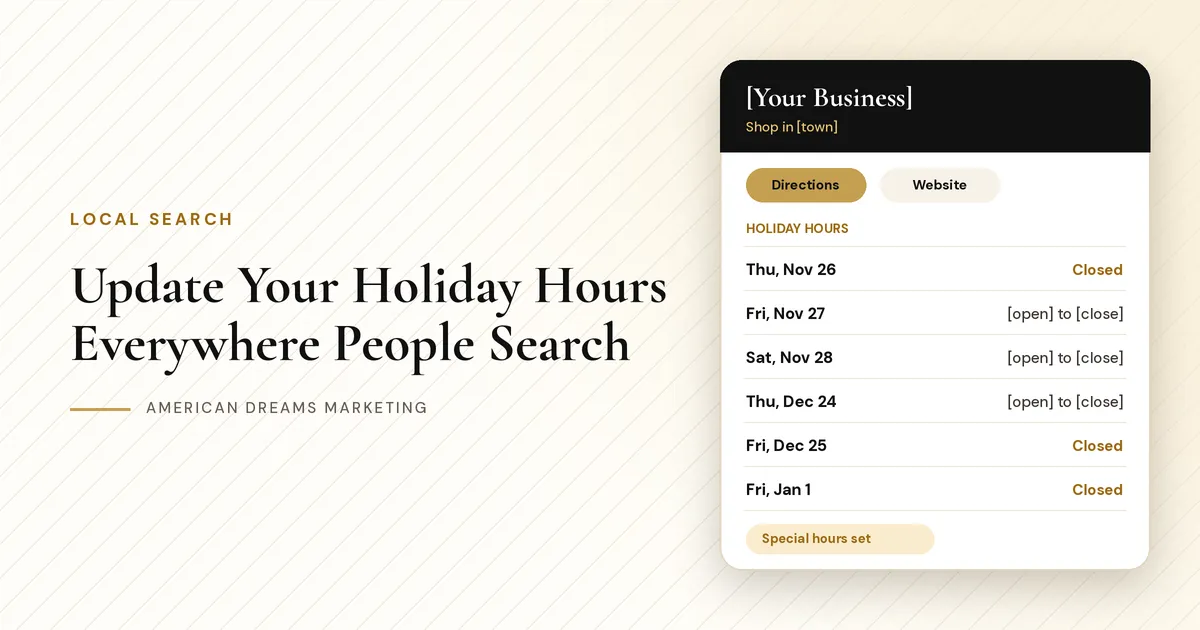
Open Late on Black Friday? Closed Christmas Eve? Update Your Holiday Hours Everywhere People Search
People look up your hours before they leave the house. If Google says you are open on Christmas Eve and your door is locked, that is a wasted trip and an unhappy customer. Here is how to set holiday hours everywhere people search.
Key takeaways
Add special hours for each holiday date on your Google Business Profile. Regular hours stay as they are.
Update Apple Maps, Bing, Facebook and Yelp so every listing matches.
Change your own channels too: website, voicemail, chat, booking calendar and auto-replies.
Set it all a few weeks ahead, check the day before and switch back after.
A customer looks you up on Thanksgiving morning, sees "Open" on your listing and drives across town. Your door is locked. They are annoyed, they tell a friend, and maybe they leave a frustrated review. You did nothing wrong except forget to tell the internet you had the day off.
Holiday hours do not take long to set up, and the best time is a few weeks before the season starts. This guide covers every place your hours show up, how to set them on Google and other listings, and a simple timeline from Thanksgiving to New Year's Day.
What wrong holiday hours cost you
People often check your hours on their phone right before they head out, and searches like "near me" or "open now" lean on the hours your listing shows. When those hours are wrong, a few things happen:
A wasted trip. They find a dark store and go to the next place that is open.
A missed sale. If you are open late on Black Friday and nobody knows, people stay home.
A frustrated review. "Google said they were open" is not a review you want in December.
Extra calls. Your staff answers "Are you open today?" all day.
Good to know: Hours help people, not rankings
Google says local results depend mainly on relevance, distance and prominence. Correct hours will not move you up the list by themselves. They make sure the people who find you can walk in, call or book.
Every place your hours show up
Your hours live in more places than you think. Here are the usual spots:
If a place shows your hours, it needs your holiday hours too.
Where your hours show up | What to update |
|---|---|
Google Business Profile | Special hours for each holiday date |
Apple Maps and Bing Places | Each holiday date, using special hours where offered |
Facebook page | Hours, plus a short post |
Yelp and other directories | Special hours or a note |
Website | Homepage banner, contact page and footer |
Voicemail greeting | A holiday version with your closed dates |
Chat widget | Business hours and the chat-closed message |
Booking calendar | Block closed days or shorten one day |
Auto-replies | Email and text replies with holiday hours |
Door sign and staff | A printed sign and a quick team huddle |
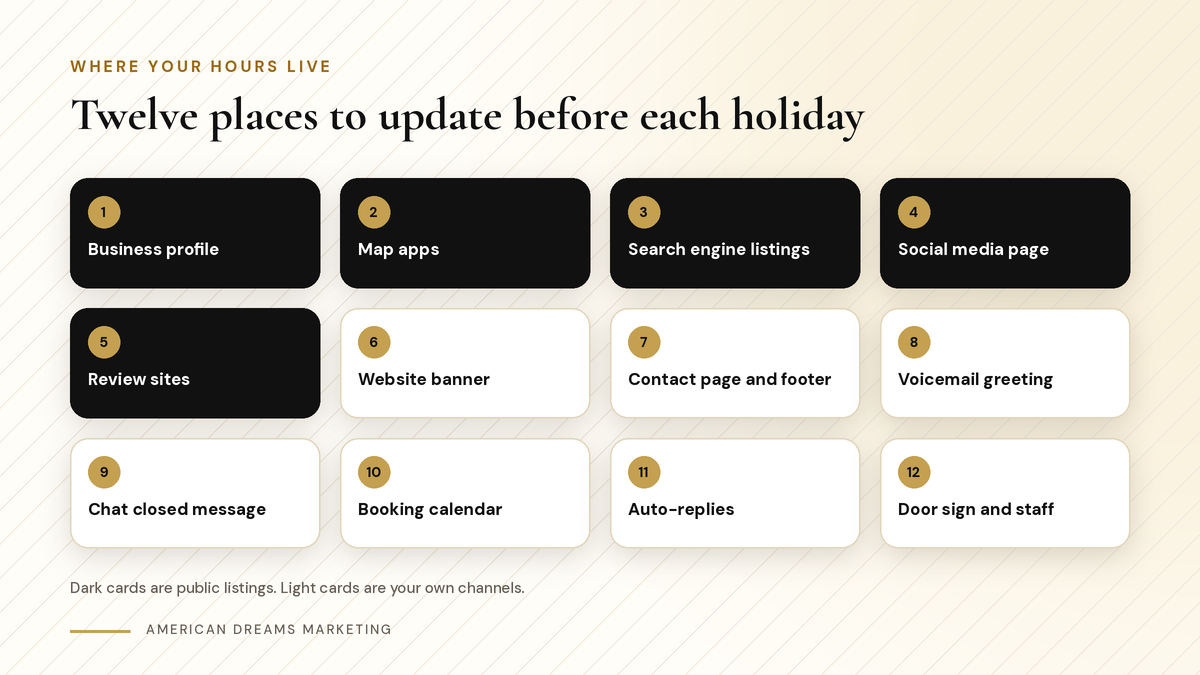
Five public listings and seven of your own channels. Each one should say the same thing.
Set special hours on your Google Business Profile
Start with Google. Your Google Business Profile lets you add special hours for specific dates, separately from your regular hours, so your weekly schedule stays as it is.
Adding holiday hours on Google
Sign in to your Business Profile You or someone on your team makes this change, using the account that manages your listing.
Add special hours for each date Add each holiday as its own date, not as a change to your regular week. Mark closed days as closed, not blank.
Cover the whole season Thanksgiving is Thu, Nov 26. Black Friday is Fri, Nov 27. Small Business Saturday is Sat, Nov 28. Christmas Eve is Thu, Dec 24, and Christmas is Fri, Dec 25. New Year's Eve is Thu, Dec 31, and New Year's Day is Fri, Jan 1, 2027.
Need more than hours? See How to Optimize Your Google Business Profile for Local SEO in 2026.
Apple Maps, Bing, Facebook and Yelp
Not everyone uses Google. Some people search in Apple Maps or Bing, and others check Facebook or Yelp. Each one shows hours, so each needs the same update.
Apple Business Connect controls how you show up in Apple Maps.
Bing Places controls your Bing listing.
Facebook shows hours on your page. A short post helps too.
Yelp and other directories show hours too. Update the ones you have claimed.
Pro tip: Keep a one-page holiday hours sheet
Write every holiday date and your hours on one page. Copy every listing, sign and message from that sheet, so nothing says "open" in one spot and "closed" in another.
Your website, phone, chat and calendar
Your listings send people to you. Your own channels are where they land next. Add a homepage banner, update your contact page and footer, and record a holiday greeting.
〉 Sample voicemail greeting
Thanks for calling [Your Business]. We are closed Thursday, November 26 for Thanksgiving and open [open] to [close] Friday and Saturday. Leave a message and we will call you back when we reopen.
On the American Dreams platform, a few settings handle the rest:
Booking calendar. Keep your weekly hours and add date-specific overrides to block a holiday or change one day.
Chat widget. Set business hours and a custom chat-closed message.
AI chat agent. Set working hours with an off-hours auto-reply, team alerts and a follow-up when you reopen.
Heads-up messages. A workflow can text or email customers who opted in.
〉 Sample auto-reply
Hi [First Name], thanks for reaching out to [Your Business]. We are closed on [date] and back at [time] on [date]. We will reply as soon as we reopen. You can also book here: [link].
A simple timeline for the season
A few weeks ahead Pick your hours for every date, fill in your holiday hours sheet and update everything at once.
The week before Look at each listing like a customer would and fix anything that does not match.
The day before Double check Google, your website banner and voicemail. Put the sign on the door.
After the holiday Switch your banner, greeting and auto-replies back.
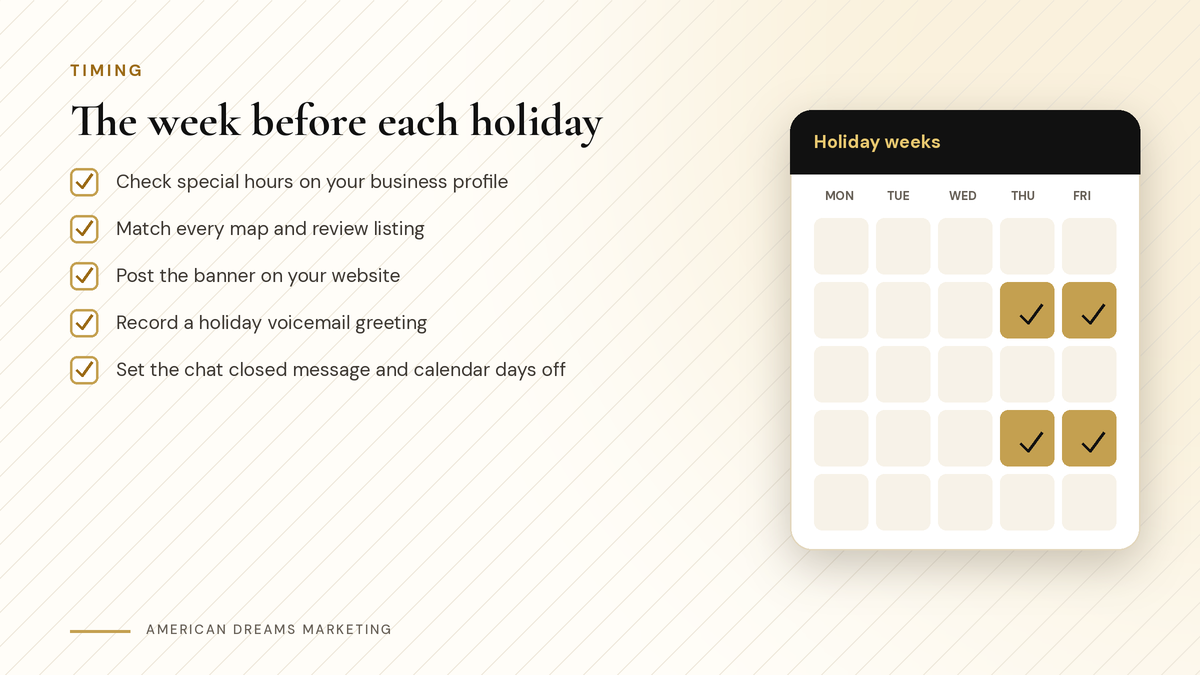
A quick check the week before each holiday keeps every listing in step.
Heads up: Do not forget to switch back
A greeting that still says "closed for Thanksgiving" in December confuses people too. Set a reminder for the morning after each holiday.
After the holidays
Checklist
Once the season is over
Remove the website banner and restore your contact page hours
Record your regular voicemail greeting again
Reset your chat-closed message and auto-replies
Check that your booking calendar shows normal days
Save your holiday hours sheet for next year
Want help getting your website, chat and calendar ready before Thanksgiving? Book a free discovery call and we will go through it together.
Frequently asked questions
How do I update holiday hours on Google?
Sign in to your Google Business Profile, open your hours and add special hours for each holiday date. Mark closed days as closed. Your regular weekly hours stay saved.
Will special hours replace my regular hours?
No. Special hours are added for specific dates, separately from your regular hours. Your weekly schedule stays in place, and only the dates you set show different hours.
Do holiday hours affect near me and open now searches?
Those searches lean on the hours your listing shows, so wrong hours can send people elsewhere. Google says local results depend mainly on relevance, distance and prominence, not hours alone.
Which listings should I update besides Google?
Apple Business Connect for Apple Maps, Bing Places, your Facebook page and Yelp or other directories you have claimed. Then your website, voicemail, chat, booking calendar and auto-replies.
How far ahead should I set holiday hours?
A few weeks before the season is a good habit. Check again the week before and the day before each holiday, then switch your greeting and banner back afterward.
Can American Dreams Marketing set this up for me?
Yes. On the American Dreams platform we set up booking calendar overrides, chat widget hours and closed messages, AI chat agent off-hours replies and opt-in heads-up messages. You or your team update the Google profile.
Get your holiday hours right everywhere
American Dreams Marketing sets up booking calendars, chat and holiday messages on the American Dreams platform, so customers always know when you are open. Book a free discovery call and we will plan your season.
