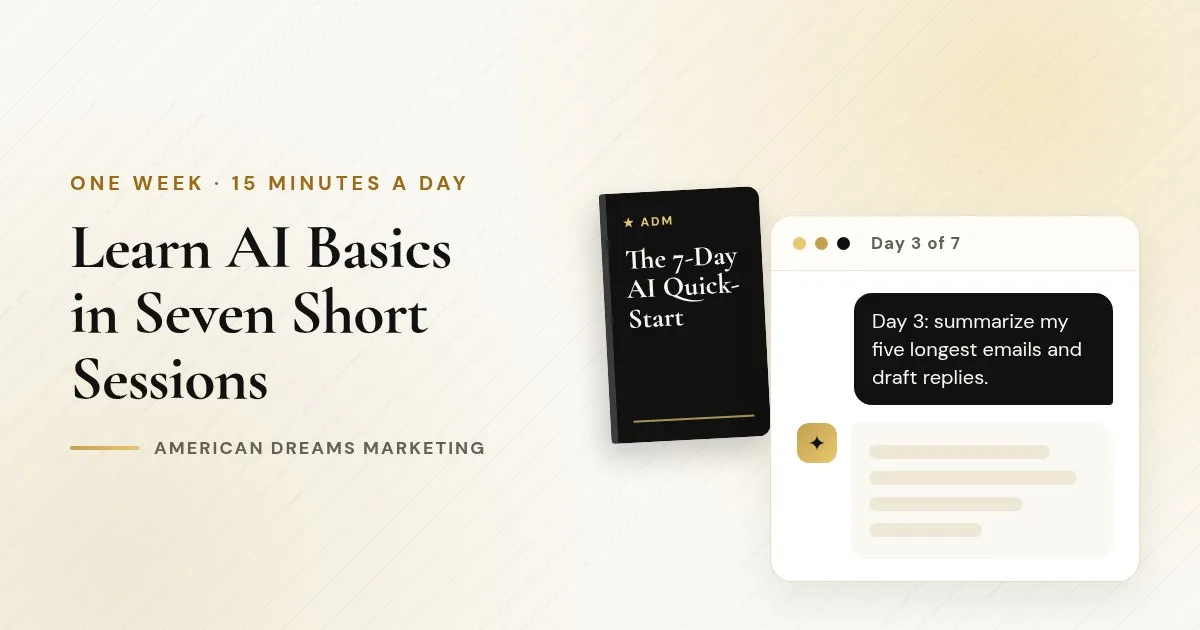
The 7-Day AI Quick-Start: Learn AI Basics in 15 Minutes a Day
You do not need another weekend course. You need a short, clear plan that puts AI to work on the things already on your desk. Here is the week, day by day.
Key takeaways
One goal a day for seven days, about fifteen minutes each, with any mainstream assistant.
Set up privacy first, and keep a "never-paste" list for passwords, card numbers and customer records.
Learn on real tasks (with private details removed) so every session leaves something finished.
The 7-Day AI Quick-Start ($12) is the simplest, lowest-cost way into AI that ADM offers.
Here is the most common thing I hear from business owners about AI: "I know I should be using it. I just have not had time to figure out where to begin."
That is completely fair. You have a business to run. The 7-Day AI Quick-Start is one lesson a day for a week, about fifteen minutes each, with 30+ numbered prompts you can copy and paste. This article walks through the plan so you can follow along, and explains why short sessions work better than a marathon.
How AI can help a small business (realistically)
AI will not run your business, and it can be wrong. What it does well is the slow writing and organizing work that fills your evenings:
Replying to emails and messages faster, in a friendly tone
Coming up with post ideas and writing first drafts
Turning a messy process into a clean checklist for your team
Writing answers to the questions customers ask every week
Summarizing long emails and documents so you read what matters
That is where the Quick-Start points you, one area per day.
The week, day by day
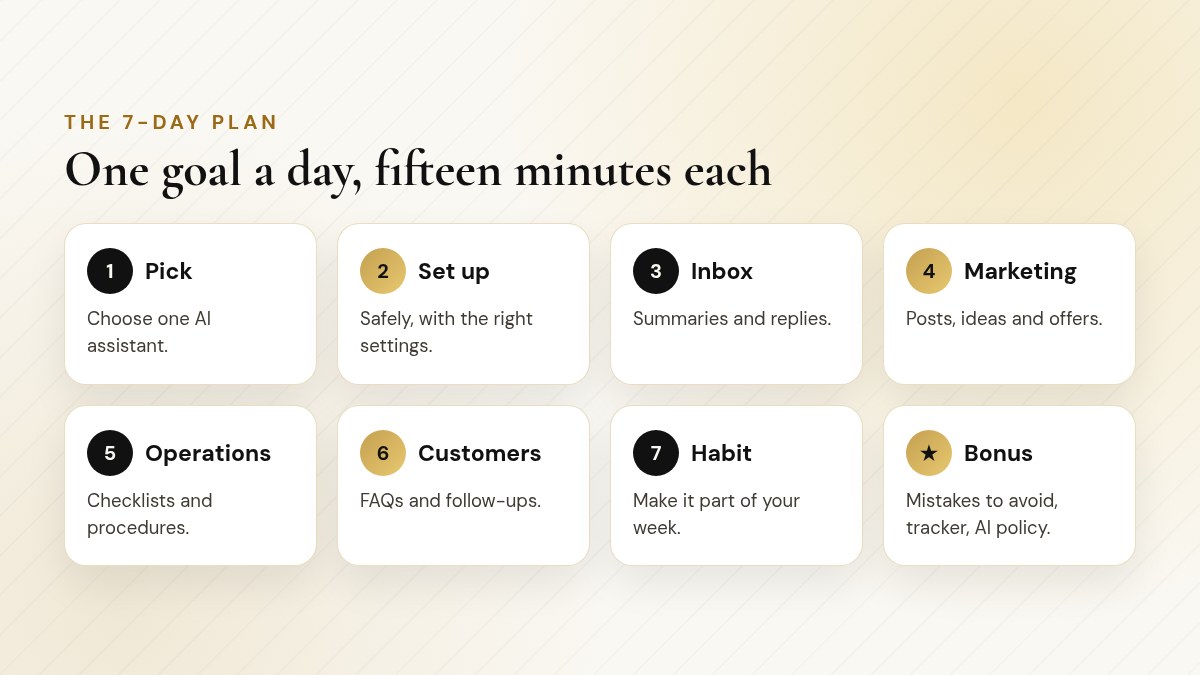
One goal a day, about fifteen minutes each.
Day 1: Pick your assistant ChatGPT, Claude, Gemini, Muse or another mainstream assistant. The guide helps you choose based on how you work, not on hype. The whole plan works with any of them.
Day 2: Set it up safely Check the privacy settings (history, memory, connected apps) before you paste anything real, and make your "never-paste" list.
Day 3: Your inbox Summaries of long threads and draft replies you edit before sending. For many people this is the first "oh, that is useful" moment.
Day 4: Your marketing Post ideas, short captions and simple offers, written in your voice.
Day 5: Your operations Turn the way you do things into checklists and step-by-step procedures.
Day 6: Your customers FAQs, follow-ups and polite replies to tricky messages.
Day 7: Make it a habit Pull it all together into a simple weekly routine you will actually keep.
Heads up: Your Day 2 "never-paste" list
Passwords, card numbers, ID numbers, health details and customer records stay out of AI chats. Swap names for placeholders like [CLIENT A].
Get The 7-Day AI Quick-Start ($12)
Instant-download PDF · Secure checkout on Payhip
Why fifteen minutes a day works
Most people do not fail at learning AI because it is hard. They fail because they try to learn everything in one sitting, get overwhelmed and never open it again.
Short daily sessions fix that. Each day has one goal, a short explanation and a few prompts to copy. You use your actual emails, posts and documents (with private details removed), so every session leaves you with something finished. By the end of the week you have an assistant set up safely, a handful of tasks it already helps with, and a simple formula for asking it anything.
The Pomodoro Technique, created by Francesco Cirillo in the late 1980s, is built on short focused sessions (traditionally 25 minutes) followed by a break.
In a 2009 University College London study, new daily habits took 66 days on average to become automatic, with a wide range from 18 to 254 days. Small, repeated steps matter more than willpower.
Source: European Journal of Social Psychology (Lally et al.)
You do not need to understand AI to start using it. You need one small task and fifteen minutes.
Inside a 15-minute session
Every lesson follows the same simple rhythm, so you never wonder what to do next. Here is what a typical session looks like, using Day 3 (your inbox) as the example:
One goal, one real task, one finished result.
Minutes | What you do | What you end up with |
|---|---|---|
0 to 3 | Read the short explanation for the day | You know the one goal for today |
3 to 5 | Pick one real email thread and remove private details | Safe material to practice on |
5 to 10 | Paste in a numbered prompt and fill the brackets | A summary and a draft reply |
10 to 13 | Edit the draft so it sounds like you | A reply you would actually send |
13 to 15 | Save the prompt and tick off the tracker | A reusable prompt and visible progress |
The point is not speed. It is finishing something every day, so the habit has a reason to stick. On busy days, do the minimum and still tick the box.
What a Quick-Start prompt looks like
Every prompt is numbered, short and built for a real task. You fill in the brackets and go. For example:
〉 Try this prompt
I run a [type of business]. Here are the five questions customers ask me most: [list]. Write a short, friendly answer to each that I can use on my website and in replies. Keep each one under 60 words.
You can use that on Day 6 and keep using it for years.
Pro tip: Set a timer
Fifteen minutes is the whole commitment. When the timer goes off, save what you made and stop. Ending on a win is what brings you back tomorrow.
Built for busy, cautious beginners
The guide is deliberately simple, and it is honest about what changes. Features, plans and prices for AI tools change constantly, so it does not try to list them. It teaches the parts that stay the same (how to ask, how to check, how to stay safe) and points you to each tool's official plan page for the rest.
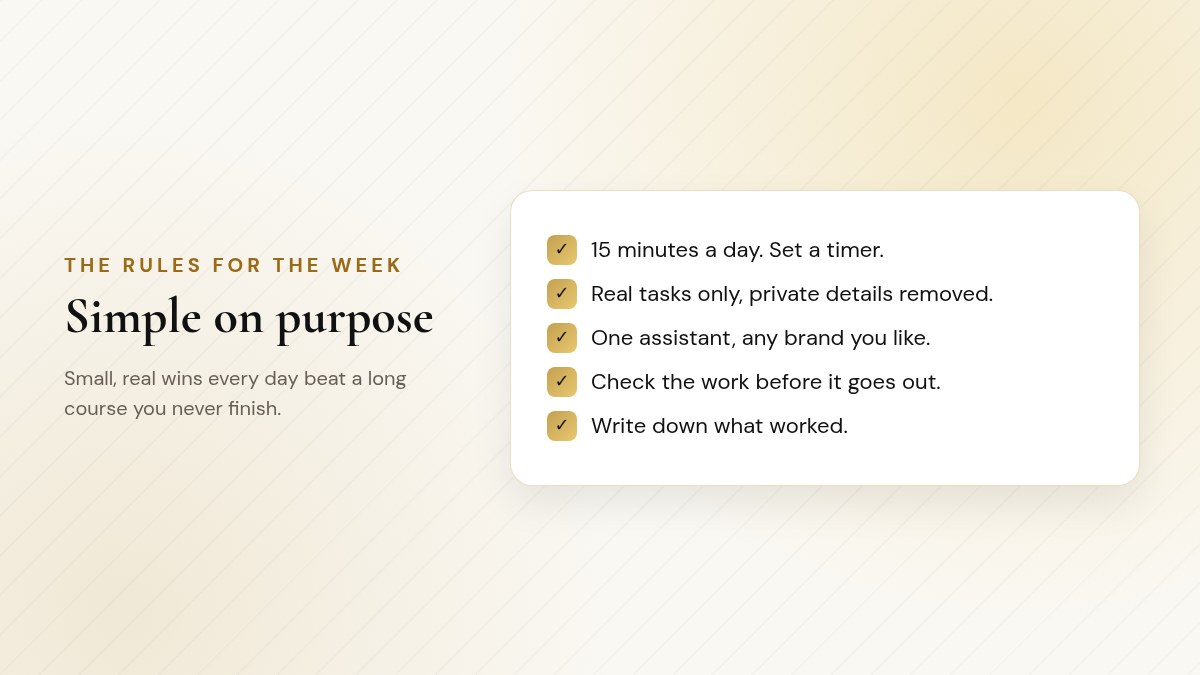
The rules are short so the habit sticks.
The extras
Checklist
Included with the Quick-Start
It is a 22-page, instant-download PDF. Short on purpose.
Ten beginner mistakes and how to avoid them
A 7-day tracker worksheet so you can see your progress
Ideas by industry for where to point your assistant next
A one-page AI policy template you can adapt for your team
A short glossary of the ten words you will keep hearing
Who the Quick-Start is for
You have never used AI, or you tried it once and gave up
You want to learn by doing, on real tasks, not by reading theory
You only have a few minutes a day
You want a low-cost first step before deciding on a bigger guide
Start here
The 7-Day AI Quick-Start
A one-lesson-a-day plan to learn AI basics in a week, about fifteen minutes a day, with any mainstream assistant.
22 pages, 30+ numbered copy-and-paste prompts
A 7-day tracker and ten beginner mistakes to avoid
Ideas by industry and a one-page AI policy template
Works with ChatGPT, Claude, Gemini, Muse and others
$12Get The 7-Day AI Quick-Start ($12)
Instant-download PDF · Secure checkout on Payhip
What to do after Day 7
Once you know which assistant you like, you may want to go deeper. That is what my beginner guides are for: ChatGPT, Claude, Grok Bot, Gemini and Muse for Beginners each walk through one tool in detail, with 140 to 160+ prompts.
If you want... | Consider | Price |
|---|---|---|
One tool, in depth | That tool's beginner guide | $17 to $19.99 |
All five beginner guides | AI Beginners 5-Pack | $59 |
The guides plus the full business reference | The Complete AI Bundle | $79 |
Good to know: One honest note about the bundle
The Complete AI Bundle ($79) includes The AI Bible plus all five beginner guides. It does not include the Quick-Start itself, so it is a natural next step after this week, not a replacement for it.
See The Complete AI Bundle ($79)
Instant-download PDF · Secure checkout on Payhip
Frequently asked questions
How long does each lesson take?
About fifteen minutes. There is one lesson a day for seven days.
Which AI assistant do I need?
Any mainstream assistant works, including ChatGPT, Claude, Gemini or Muse. Day 1 helps you pick one.
Do I need any experience?
No. The Quick-Start is written for people who have never used AI or tried it once and gave up.
What do I get?
A 22-page instant-download PDF with 30+ numbered prompts, ten beginner mistakes to avoid, a 7-day tracker, ideas by industry, a one-page AI policy template and a short glossary. It costs $12.
Is the Quick-Start part of The Complete AI Bundle?
No. The bundle is The AI Bible plus the five beginner guides. The Quick-Start is a separate purchase.
Does it list current AI plans and prices?
No, because they change constantly. It teaches the skills that stay the same and points you to each tool's official plan page.
Prefer to have AI handle your calls?
My agency sets up AI assistants that answer calls, text back missed callers and help run your day, through the American Dreams platform. Book a free discovery call and we will look at where it fits your business.
